

Zapya
Zapya is a fast and convenient file-sharing application that allows users to transfer .
AppKhanaPreview
About this app
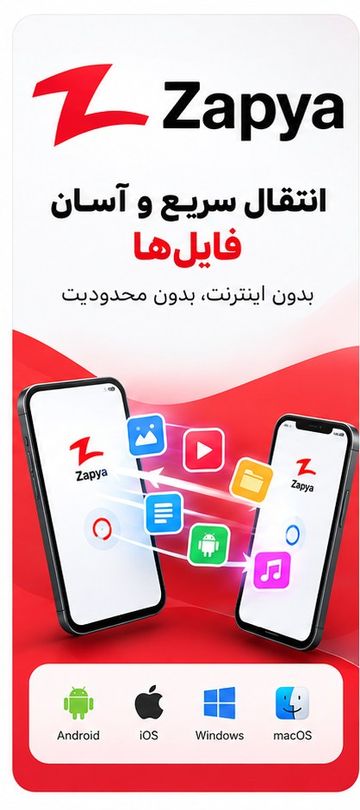
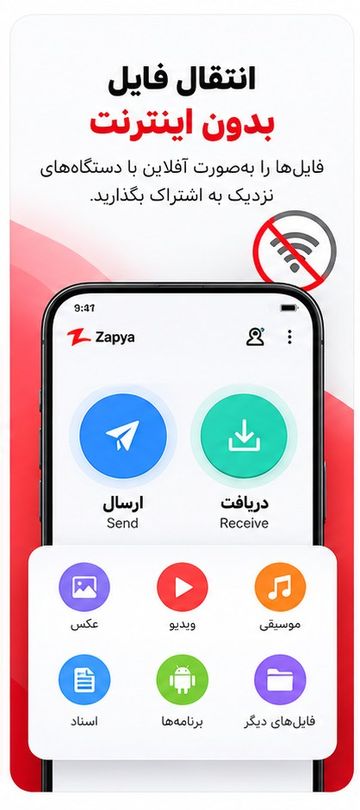
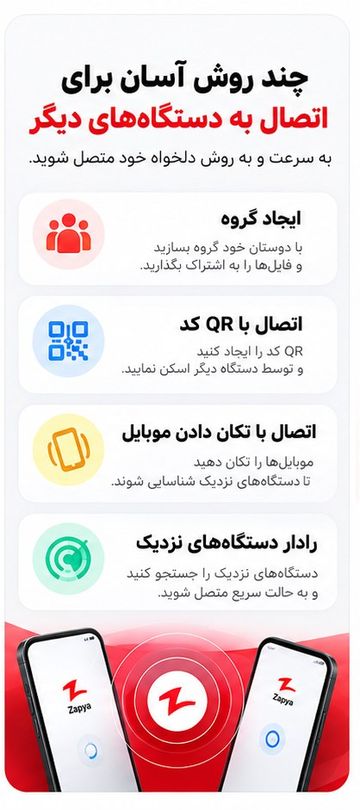
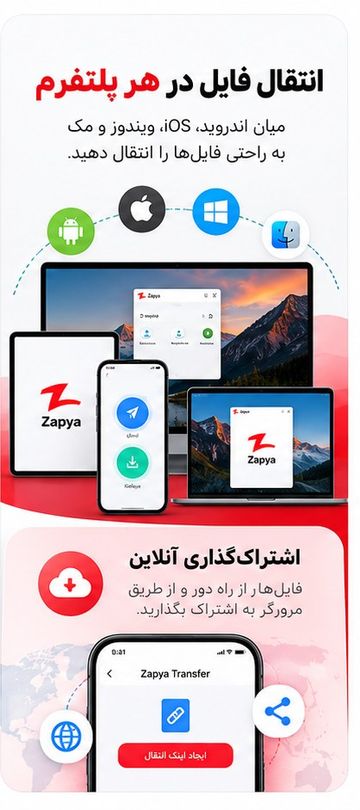
## About Zapya Zapya is a fast and convenient file-sharing application that allows users to transfer photos, videos, music, documents, applications, and other files between different devices. With Zapya, you can share files without requiring an internet connection or mobile data. The application supports offline transfers between nearby devices, making it useful for sharing large files quickly and easily. Zapya also offers online file-sharing options, allowing users to transfer files remotely through compatible web browsers. Whether you want to move files between smartphones, transfer data to a computer, or share multiple files with friends, Zapya provides flexible and convenient solutions. ## Key Features of Zapya ### 1. Fast Offline File Transfer - Share files without using mobile data or an internet connection. - Transfer photos, videos, music, documents, and other supported files. - Send large files between nearby devices. - Share files using local wireless connections. - Transfer multiple files without uploading them to cloud storage. ### 2. Cross-Platform File Sharing Zapya supports file transfers between different devices and operating systems, including: - Android smartphones and tablets - iPhones and iPads - Windows computers - Mac computers Transfer files between compatible devices without relying on cables or complicated setup procedures. ### 3. Four Offline Sharing Methods Zapya offers several convenient ways to connect with nearby devices. **Create a Group** - Create a file-sharing group. - Invite nearby users to join. - Share files with connected members. **QR Code Connection** - Generate a QR code. - Allow another device to scan the code. - Establish a connection for file transfer. **Shake to Connect** - Use the shake feature to discover and connect with another compatible device. **Nearby Radar** - Search for nearby users. - Discover compatible devices. - Select a device and begin sharing files. ### 4. Online File Sharing Zapya provides an online file-sharing option for transferring files to users in different locations. - Share files with people remotely. - Transfer files through compatible web browsers. - Use Zapya Transfer for supported online transfers. - Share files without requiring the recipient to be nearby. An internet connection is required for online transfers. ### 5. USB Storage and File Transfer - Connect compatible USB storage devices to your smartphone. - Browse files stored on USB drives. - Copy and save files to supported USB storage. - Transfer files directly from connected USB drives. - Access multiple USB devices through a compatible USB hub. USB features depend on device hardware and USB support. ### 6. Application Sharing - Share supported Android application packages with nearby devices. - Transfer compatible APK files. - Support selected app-sharing workflows involving Android App Bundles. - Share applications with friends using supported transfer methods. **Note:** Some applications may not be transferable or installable due to Android security restrictions, licensing, or package compatibility. ### 7. Phone Replication and Data Transfer - Move supported files from an old phone to a new device. - Transfer photos, videos, documents, and other compatible data. - Simplify the process of switching smartphones. - Back up and move supported content between devices. ### 8. Bulk File Transfer - Transfer multiple files simultaneously. - Share complete folders where supported. - Send large collections of photos and videos. - Reduce the need to select and send files individually. ### 9. Improved Android Compatibility - Support for Android's scoped storage system. - File transfer compatibility with supported Android versions.
Information
- Developer
- AppKhana
- Category
- Tools
- Size
- 25 MB
- Version
- 6.5.9.6 (US)
- Updated
- Oct 14, 2026
SHA-256: eb5b10bc728b9f7b0472a09368d624bc29e533d4d721cd52c5f4f79f92dc5f0d